
Latest Version
The KDE Community
Finance
Linux
Free
org.kde.calligra
Report a Problem
More About Calligra
When searching for a versatile, open-source productivity solution, the Calligra office suite stands out as a highly integrated option for Linux users. Developed by the respected KDE Community, this comprehensive toolkit bridges the gap between traditional word processing and creative vector graphics. Whether you are drafting corporate reports, managing budgets, or designing custom artwork, this application suite delivers a specialized environment to handle diverse digital tasks efficiently.
An Inside Look at Calligra's Core Applications
Unlike standard office packages that treat creative design as an afterthought, this software integrates both administrative and artistic tools into a unified ecosystem. Here is what you can accomplish with its primary components:
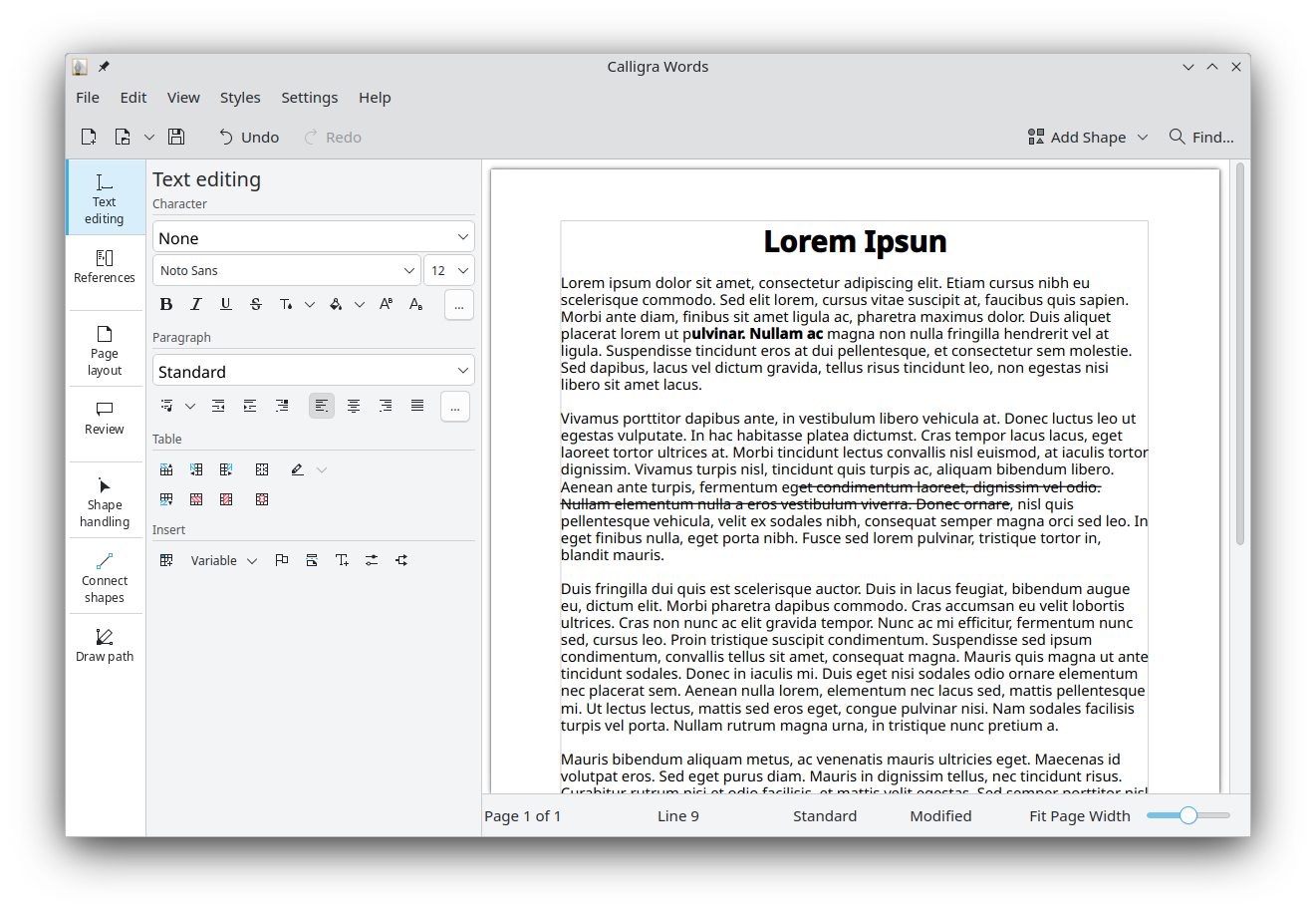
- Calligra Words (Word Processing & Desktop Publishing): This intuitive application goes beyond basic typing. It functions as both a text editor and a desktop publisher, allowing you to arrange layout elements, images, and text with pixel-perfect precision.
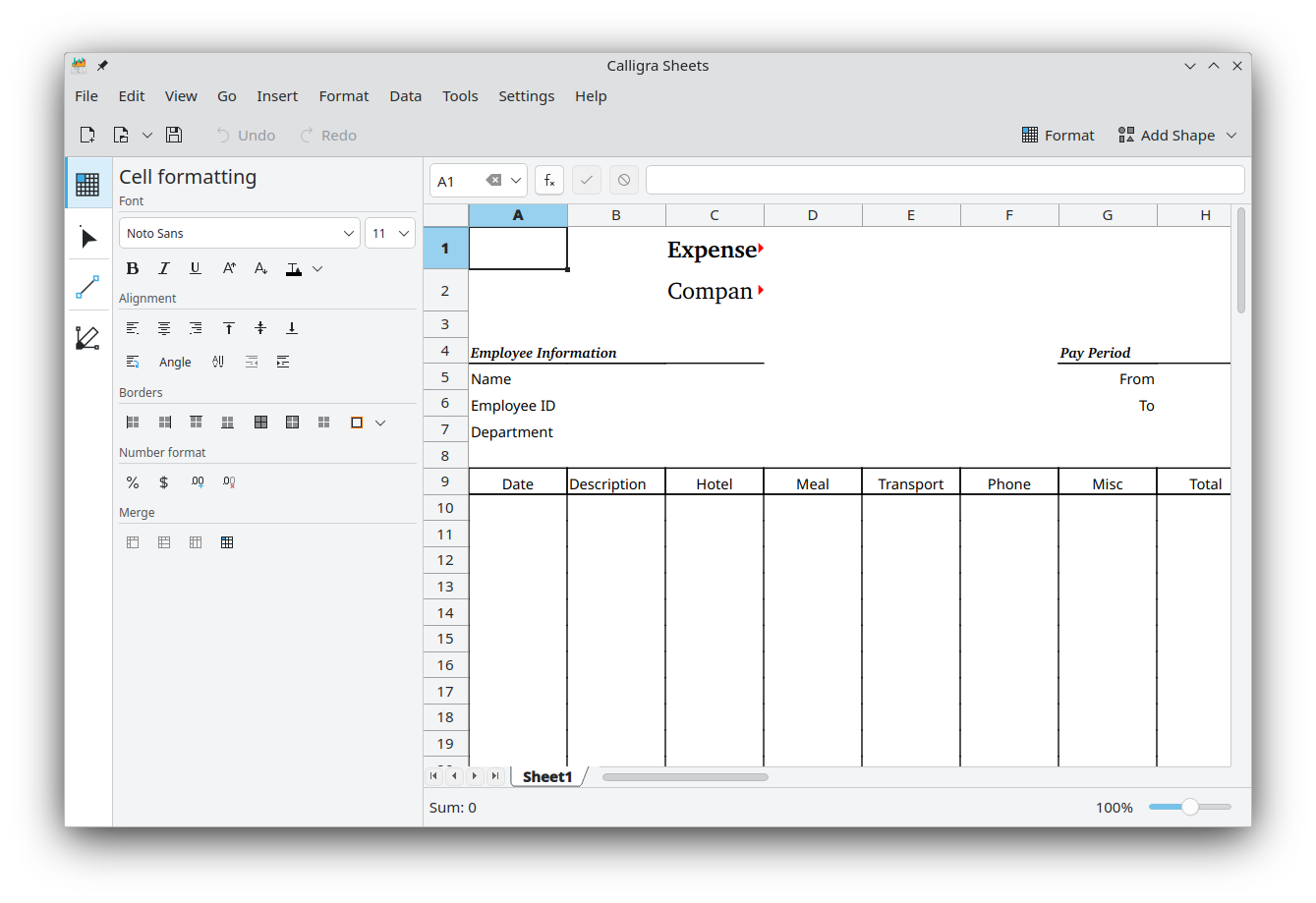
- Calligra Sheets (Calculations & Spreadsheets): A fully-featured calculation tool built to handle complex formulas. It is ideal for drafting business-related spreadsheets, managing company income and expenditures, or tracking employee working hours.
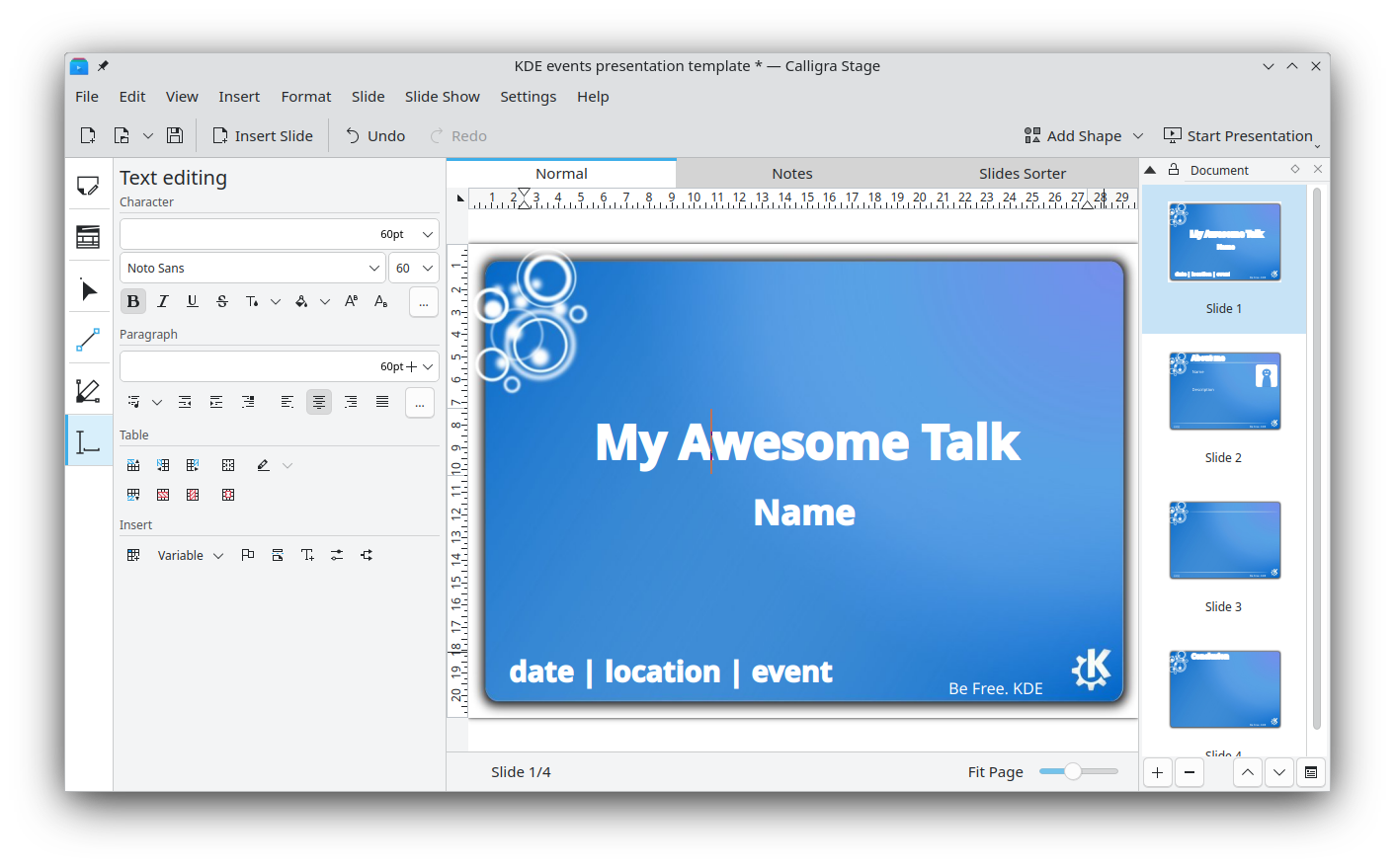
- Calligra Stage (Dynamic Presentations): This flexible presentation tool allows you to build engaging slide decks containing rich text, custom charts, and diverse graphic elements. It features an extensible plugin system, making it easy to add new transition effects or custom content blocks.
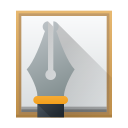
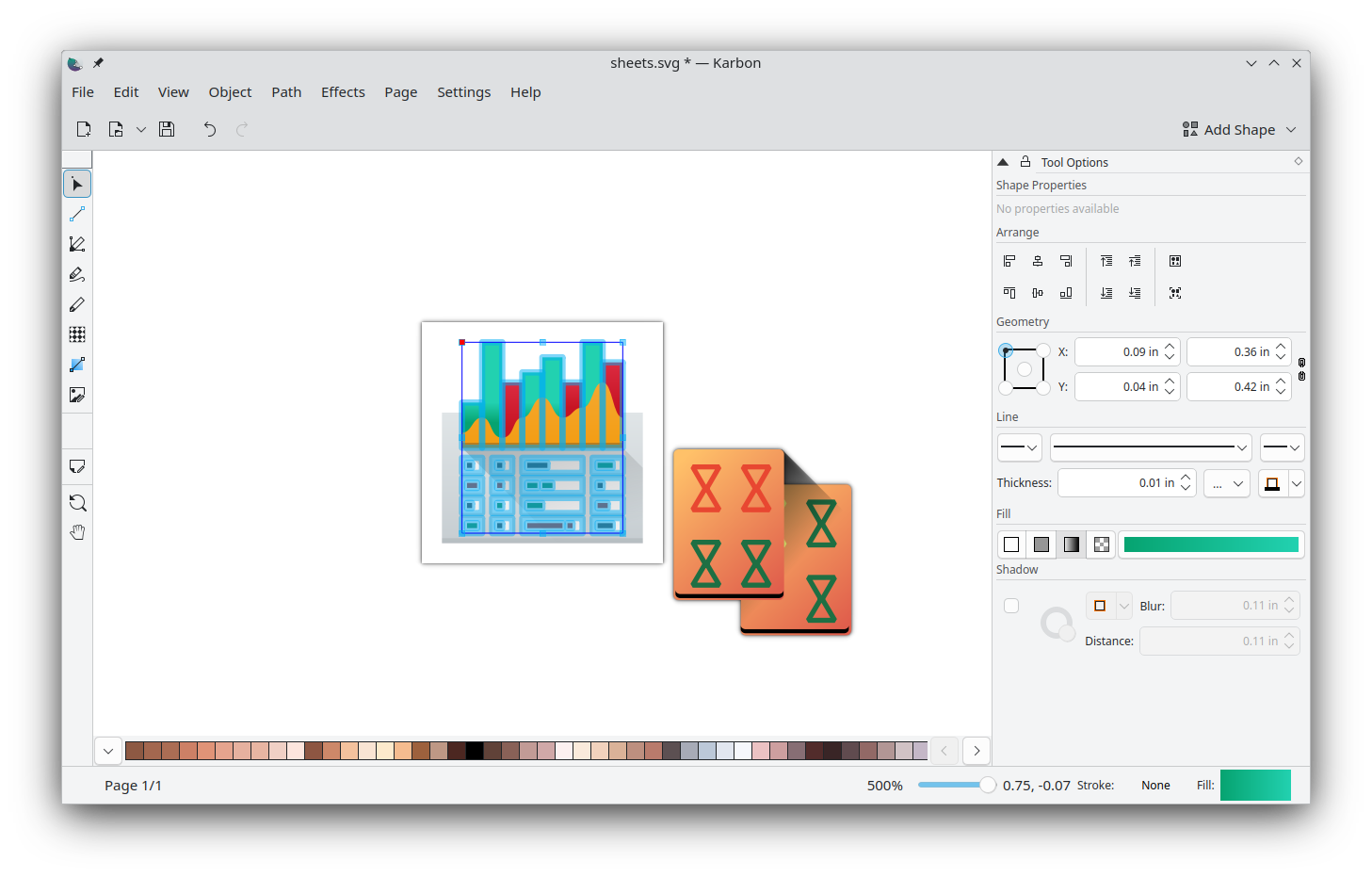
- Karbon (Vector Illustration): A highly customizable vector drawing application suitable for both beginners and experienced digital artists. It offers an adaptable user interface designed to help you construct breathtaking vector art from scratch.
Who is This Productivity Suite For?
The Calligra office suite is particularly well-suited for Linux professionals, administrative teams, and creative designers who require an integrated workspace. Because all tools share a common architecture, assets and data flow smoothly between your spreadsheets, presentations, and vector canvases. If you want to move away from bloated software options and adopt a modular, community-driven alternative, this platform offers excellent value.
Creative Freedom with Vector Integration
One of the standout advantages of using this suite is the deep integration of the Karbon vector engine. Instead of relying on external third-party software to draft diagrams, logos, or illustrative assets, you can generate high-quality vector graphics directly within the ecosystem. This ensures that your presentations in Stage and documents in Words remain incredibly sharp, scalable, and professional.
How to Access the Suite
If you are ready to upgrade your productivity setup, you can explore the software's capabilities firsthand. To find official installation packages and learn more about development updates, visit the official Flathub page for Calligra on Flathub.
Rate the App
User Reviews










Popular Apps









Editor's Choice